YouTube content calendar template for solo creators: weekly and 2-week plans
A content calendar a solo creator can actually keep: a weekly rhythm, a 2-week template you can copy into Notes or Google Sheets, and how to plan around Indian festivals and exam season.
Updated · 9 min read · By Videxa Editorial Team
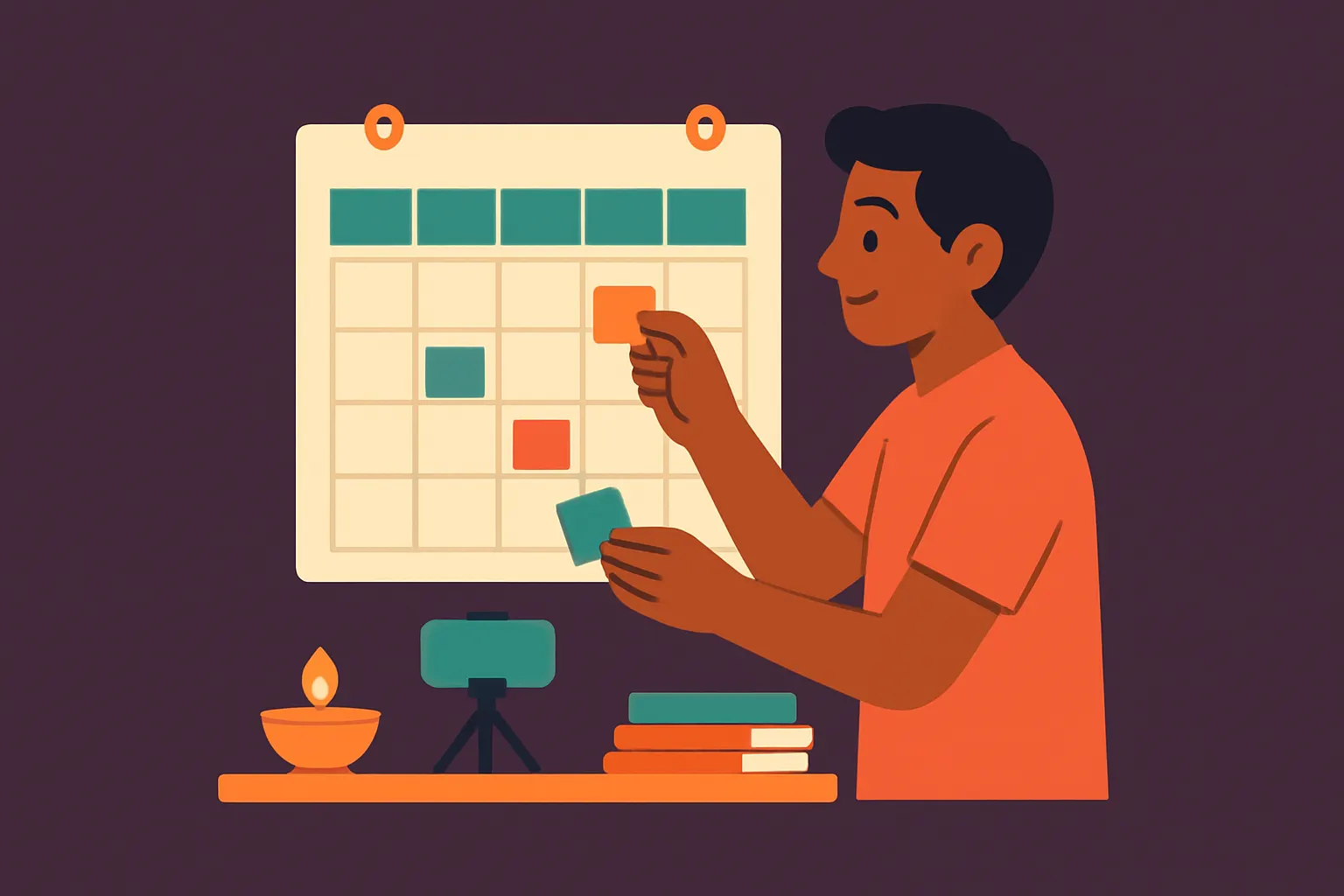
Short answer: A solo creator's content calendar can be one table with 14 rows: one row per day for the next two weeks, with columns for the idea, the format (long video or Short), the stage it is at (idea, script, shoot, edit, scheduled) and the publish date. Pick an upload rhythm you can keep on a bad week, give each weekday one job, and plan festivals and exam seasons a few weeks early. A copyable template is below.
In short
- Plan two weeks at a time. It is far enough ahead to batch work and near enough that plans stay real.
- Give each day one job: idea, script, shoot, edit, publish, or rest. Small jobs get done.
- Choose a rhythm you can keep. YouTube's own upload schedule tips ask whether your frequency is sustainable over the long term.
- Mark festivals, exam seasons, your own exams or family events, and breaks before you plan any videos.
- Schedule finished videos in YouTube Studio, so a busy day does not break your rhythm.
What is a YouTube content calendar?
A content calendar is a plan of what you will publish and when, plus what you need to do before each publish date. For a big team it can be a complex board. For one person making videos after college or work, it should be small enough to look at in ten seconds.
YouTube's upload schedule tips say a consistent, sustainable release schedule is important both for your audience's expectations and for your own well-being. They suggest thinking about three things: how often you upload, whether you link content to specific days of the week, and which formats or series you make the most of. A calendar is where those answers live.
How do you build a calendar you can keep?
Count your real hours
Write down how many hours you can give YouTube in a normal week, and in your worst week. Plan for the worst week. A rhythm you keep beats a rhythm you break.
Pick your publishing days
For many solo creators that is one long video a week, plus a few Shorts if they fit. Name the days, for example "long video on Sunday, Shorts on Tuesday and Thursday". Our guide on the best time to upload in India helps you choose a time.
Mark the fixed dates first
Before adding any video ideas, mark festivals, exam dates, family functions, travel and planned breaks. YouTube's tips list notable dates, local holidays and your own vacations as things to build into your schedule.
Give every day one small job
Split each video into stages: idea, script, shoot, edit, title and description, schedule. Put one stage on each working day. This is how a one-hour evening still moves a video forward.
Batch where you can
YouTube suggests filming videos in batches when possible. If you set up lights and a tripod once, shooting two videos or four Shorts in that session saves a whole evening.
Schedule, then review
Upload finished videos and set them to Schedule in YouTube Studio. At the end of the two weeks, look at what you published, what slipped, and why, then plan the next two weeks.
What does a simple weekly calendar look like?
Here is one weekly rhythm for a solo creator who publishes one long video and two Shorts a week. It is an example, not a rule: change the days to fit your life.
| Day | Job | About how long |
|---|---|---|
| Monday | Pick next week's idea, write the title first | 30 minutes |
| Tuesday | Write the script or bullet points. Publish Short 1 | 1 hour |
| Wednesday | Shoot the long video, and record 2 Shorts in the same setup | 2 hours |
| Thursday | Edit the long video. Publish Short 2 | 1 to 2 hours |
| Friday | Finish edit, write description, upload and schedule | 1 hour |
| Saturday | Rest, or reply to comments | Optional |
| Sunday | Long video goes live. Note what viewers ask in comments | 30 minutes |
The hours are an example. Your own will depend on your niche and editing style. A cooking video with one camera takes less editing than a travel vlog with three locations. If you are unsure how to split long videos and Shorts, our post on Shorts or long videos for a new channel explains what each is good for.
Copy the 2-week content calendar template
Copy this into your phone's notes, a notebook, or a Google Sheet with one row per line. Fill in the "Fixed dates" section first.
2-week YouTube content calendar
Two weeks: [start date] to [end date]
Goal for these two weeks: [one line, e.g. "2 long videos and 4 Shorts, on time"]
Fixed dates: [festivals, exams, family events, travel, breaks]

WEEK 1
Day 1  | Job: idea + title       | Video: [ ]          | Format: Long  | Status: [ ]
Day 2  | Job: script             | Video: [ ]          | Format: Long  | Status: [ ]
Day 3  | Job: shoot + 2 Shorts   | Video: [ ]          | Format: Both  | Status: [ ]
Day 4  | Job: edit, post Short 1 | Video: [ ]          | Format: Short | Status: [ ]
Day 5  | Job: finish + schedule  | Video: [ ]          | Format: Long  | Status: [ ]
Day 6  | Job: rest / comments    |                     |               |
Day 7  | PUBLISH long video 1    | Publish time: [ ]   |               |

WEEK 2
Day 8  | Job: idea + title       | Video: [ ]          | Format: Long  | Status: [ ]
Day 9  | Job: script, post Short 2| Video: [ ]         | Format: Long  | Status: [ ]
Day 10 | Job: shoot + 2 Shorts   | Video: [ ]          | Format: Both  | Status: [ ]
Day 11 | Job: edit, post Short 3 | Video: [ ]          | Format: Short | Status: [ ]
Day 12 | Job: finish + schedule  | Video: [ ]          | Format: Long  | Status: [ ]
Day 13 | Job: rest / comments    |                     |               |
Day 14 | PUBLISH long video 2, post Short 4 | Publish time: [ ] |     |

Review on Day 14:
What went out on time: [ ]
What slipped, and why: [ ]
One change for the next two weeks: [ ]

Status options: idea / script / shot / edited / scheduled / live
Write the title on the idea day, before you script. It forces you to know what the video promises. Our guide to writing YouTube titles has a simple method, and the free generator can suggest titles and descriptions in your language when you are stuck.
Example: a student's Marathi tech channel
This is a made-up channel for illustration. Omkar is in his final year of engineering in Nashik and makes Marathi phone tips videos. His fixed dates for two weeks include two college submissions and a cousin's wedding. He plans one long video instead of two, shoots six Shorts on the one free Saturday, and schedules them across both weeks. He publishes less than his usual, but he does not go silent.
How do you plan for festivals in India?
Festival videos are among the easiest to plan, because you know the dates months ahead. YouTube's tips mention building notable dates and local or global holidays into your schedule. In India that means a long list, and it changes by region: Ganeshotsav in Maharashtra, Durga Puja in Bengal, Onam in Kerala, Pongal in Tamil Nadu, Bihu in Assam, Eid, Christmas, and Diwali almost everywhere.
A simple way to plan:
- Check this year's dates early. Many festivals follow the lunar calendar and move every year, so do not copy last year's dates.
- Publish before, not on, the day. People look for recipes, decoration ideas, rangoli designs or puja steps in the days before a festival. On the day itself, many of your viewers, and you, are busy celebrating.
- Shoot early. If your festival video needs festival things, like a modak recipe or a pandal visit, plan the shoot around when you can actually get them, and schedule the upload.
- Plan your own break. If you will be with family for a week, batch two Shorts and one long video beforehand, or tell viewers in a post that you are taking a festival break.
How do you plan around exam season?
Exam season matters in two ways. If your viewers are students, it changes what they want to watch. If you are a student, it changes how much time you have.
- If your audience is students: board exams usually fall around February and March, and many entrance and government exams have their own dates through the year. Check the official date sheets for the exams your viewers take, then plan revision videos, last-week tips and result-day explainers a few weeks ahead.
- If you are a student: plan a lighter rhythm for your exam month. Shorts recorded in one batch before exams, scheduled across the month, can keep the channel active while you study.
- For everyone else: exam months can change when families watch. Watch your own channel's numbers in YouTube Analytics during that period, and compare them with your channel's usual, not with anyone else's.
Does uploading regularly matter for monetization?
It matters most for staying active once you are in the YouTube Partner Program. YouTube says it may turn off monetization on channels that have not uploaded a video or posted to the Posts tab for 6 months or more. From 1 February 2027, YouTube says a YPP channel counts as active if it has 1,000 qualified watch hours in the past 365 days, or 1 million qualified Shorts views in the last 90 days, or uploads 2 long videos or 5 Shorts every 90 days.
A two-week calendar covers that easily. But no rhythm guarantees views, subscribers or approval. A calendar helps you make videos steadily, which gives you more chances to learn what your viewers want. When you want to check how the last few weeks went, our guide on auditing your own channel walks through YouTube Studio step by step.
Your 2-week calendar is ready when
- Festivals, exams, family events and breaks are marked first
- Publishing days are named, and you could keep them in a bad week
- Every working day has one small job, not three
- Each video has a working title before scripting starts
- Shoot days include extra Shorts from the same setup
- Finished videos are scheduled in YouTube Studio
- Day 14 has a short review: what went out, what slipped, one change
Questions creators ask
How often should a solo creator upload on YouTube?
As often as you can keep up for months, not weeks. YouTube's own upload schedule tips focus on whether a frequency is sustainable. For many solo creators that is one long video a week, or every two weeks, plus Shorts if they fit.
Is a weekly or a 2-week calendar better?
Use both. The weekly rhythm tells you what kind of job each day has. The 2-week calendar fills in the actual videos and fixed dates. Two weeks is far enough to batch shoots and near enough that plans stay realistic.
Can I schedule YouTube videos in advance?
Yes. Upload the video, open the Schedule card, and set the date, time and time zone. You can change the scheduled time later from the Content page in YouTube Studio.
What should I do if I miss a planned upload?
Move it, do not cancel the whole plan. Publish it on the next free day, push the rest of the calendar by one slot, and note in your Day 14 review why it slipped.
Should I make festival videos if my channel is not about festivals?
Only if there is a natural link. A finance explainer channel could explain Diwali bonus tax basics. A gaming channel does not need a Diwali video. Forced festival content rarely serves your usual viewers.
Can I use Google Sheets for this template?
Yes. Make one row per day and columns for day, job, video, format, status and publish time. The plain text version above maps straight onto those columns.
Sources
- Upload schedule tips, YouTube Help
- Schedule video publish time, YouTube Help
- Changes to the YouTube Partner Program (activity requirements from 1 February 2027), YouTube Help
- YouTube Partner Program overview and eligibility, YouTube Help